Start Sharing Embedded Power BI, Tableau, Google Data Studio & HTML Dashboards in Minutes
Our flagship analytics platform, InsightsPulse, makes it easy to create a secure white-label analytics portal where your team can connect Power BI, Tableau, Google Data Studio, and HTML dashboards, manage users, control permissions and share reports without purchasing separate viewer licenses for every user.
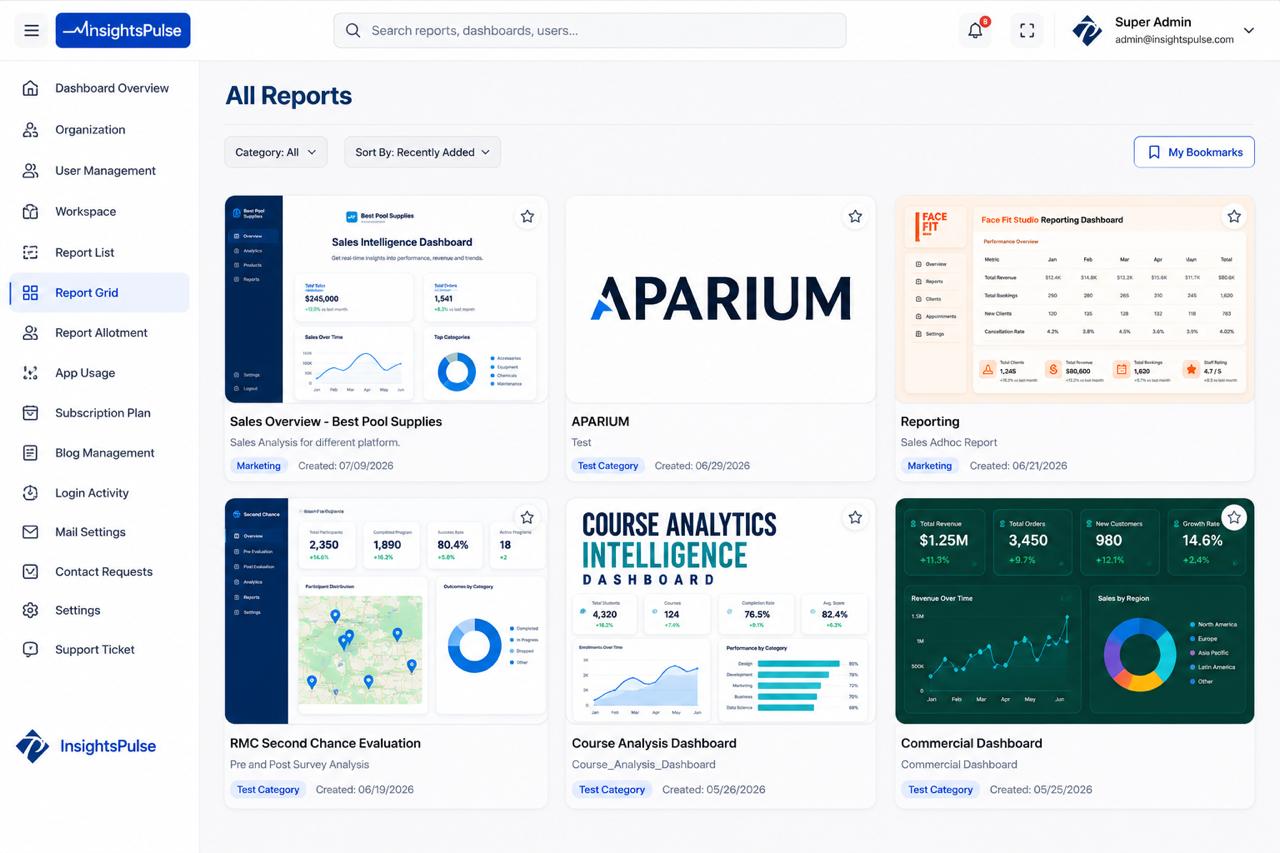
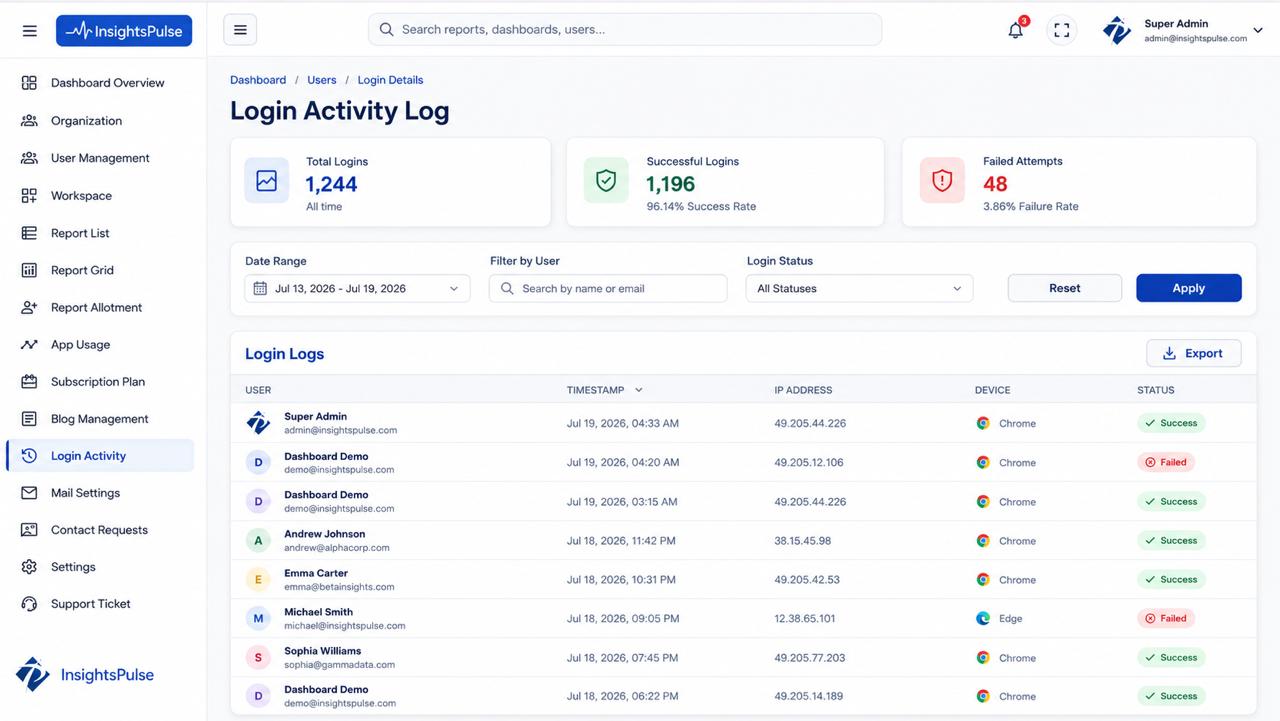
Installation & Key Features
- Sign in to your InsightsPulse admin account and access your secure analytics portal.
- Connect your Power BI, Tableau, Google Data Studio, HTML, or embedded reporting environment through the supported integration setup.
-
Follow the guided setup wizard or install the InsightsPulse SDK for custom embedded analytics workflows:npm install insightspulse-sdk
- Customize your white-label analytics portal with your logo, domain, colors and branded user experience.
- Share dashboards with clients, teams and external users without individual Power BI or Tableau viewer licenses.
- Apply role-based access control so every user sees only the reports and dashboards they are authorized to view.
- Deliver real-time Power BI, Tableau, Google Data Studio, and HTML dashboards through one centralized reporting portal.
- Give users a responsive dashboard viewing experience across desktop, tablet and mobile devices.
Simple 3-Step Secure Sharing Process
Create Your White-Label Analytics Portal
Set up your InsightsPulse workspace, add your brand identity and configure your secure analytics portal for internal teams or external clients.
Connect Power BI, Tableau, Google Data Studio & HTML Dashboards
Embed existing Power BI, Tableau, Google Data Studio, and HTML reports into InsightsPulse without rebuilding dashboards or disrupting your current BI workflow.
Share Reports with Role-Based Access
Invite users, assign permissions and securely share dashboards with customers, stakeholders or team members from one branded portal.
Questions & Answers
Is InsightsPulse secure for sharing Power BI and Tableau dashboards?
Can users access multiple Power BI and Tableau reports in InsightsPulse?
Do I need to rebuild my existing Power BI or Tableau dashboards?
Can InsightsPulse automate report delivery and email subscriptions?
How much can businesses save on Power BI and Tableau licensing costs?
Can InsightsPulse be fully white-labeled for my company or clients?
What is a white-label analytics portal?
Can I share Power BI reports without Power BI Pro licenses for every viewer?
Who should use InsightsPulse?
Does InsightsPulse support Tableau dashboard sharing?
Do you support Google Data Studio and HTML dashboards?
Ready to Share Power BI, Tableau, Google Data Studio & HTML Reports Securely?
See how InsightsPulse helps businesses reduce licensing costs, create white-label analytics portals and share dashboards with role-based access.