Marketing agencies in the United States manage a growing
volume of performance data across SEO, paid advertising, social media, email,
websites, CRM systems and sales platforms. Clients expect timely reporting,
clear explanations and easy access to the latest numbers. Yet many agencies
still spend significant time preparing spreadsheets, PDFs, slide decks and
manually updated dashboards.
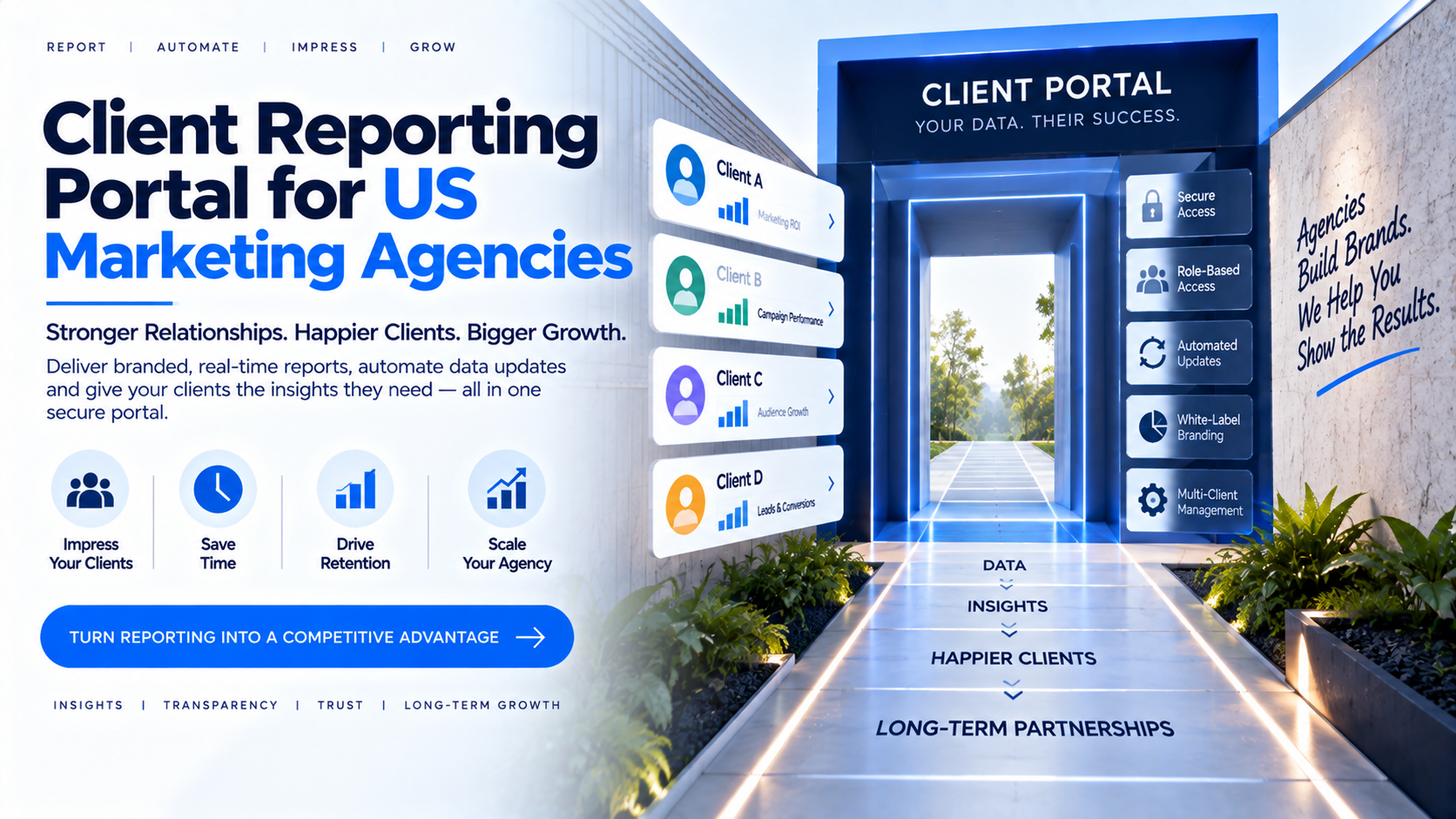
A client reporting portal provides a centralized, secure and
branded environment where customers can access their reports. It can reduce
repetitive delivery tasks, standardize the client experience and give account
teams more time for analysis and strategy. This guide explains what agencies
should evaluate before adopting a reporting portal.
What Is a Client Reporting Portal?
A client reporting portal is a secure online environment
where an agency’s customers can log in to view dashboards, KPIs, campaign
performance and business reports. Rather than sending separate attachments for
every reporting cycle, the agency can provide a consistent location for current
and historical information.
The portal may include different access levels for clients,
account managers, analysts and administrators. It can also support different
reports for different customers. For example, one client may need SEO and
lead-generation dashboards, while another may need paid-media performance and
revenue attribution.
Why Agencies Outgrow Manual Reporting
Manual reporting becomes difficult as the agency adds
clients, services and team members. Analysts may copy figures between tools,
check formulas, export charts and prepare separate versions for each customer.
Small inconsistencies can lead to client questions and reduce confidence in the
reporting process.
Manual workflows also make it harder to control versions. A
client may continue using an outdated PDF even after the campaign data changes.
A portal can provide a clearer distinction between live dashboards, periodic
summaries and strategic recommendations.
Define a Reporting Framework Before Selecting Software
Technology cannot fix unclear reporting. Agencies should
first define which KPIs matter for each service and how those KPIs are
calculated. For SEO, this might include qualified organic traffic, conversions,
ranking trends and landing-page performance. For paid media, it may include
spend, impressions, clicks, conversions, cost per acquisition and return on ad
spend.
Every client should understand the reporting period, data
sources, attribution model, limitations and business meaning of each metric.
The portal should present these definitions consistently so that reporting
conversations focus on decisions rather than disagreements about numbers.
Essential Portal Features
A practical agency portal should support branded access,
client-level report assignment, user management, role-based permissions,
embedded dashboards, responsive viewing and a clear navigation structure.
Other useful capabilities may include custom domains,
dashboard filtering, scheduled notifications, report categories, user
deactivation, audit visibility, support workflows and integration with existing
BI tools. Agencies should prioritize features that reduce recurring operational
effort rather than choosing a platform based only on visual appearance.
White-Label Branding for Agencies
Branding can make reporting feel like an integrated part of
the agency’s service. A portal may use the agency’s logo, colors, terminology,
domain and email identity where supported. This can be especially valuable for
agencies that position themselves as strategic partners rather than one-time
campaign vendors.
However, branding should not hide the source or limitations
of the data. Agencies should communicate which platforms supply the data, how
often it updates and who is responsible for interpreting results. Transparency
supports trust while still allowing the agency to provide a consistent customer
experience.
Managing Multiple Clients Securely
Client separation is a central requirement. A user
associated with Company A should not be able to access Company B’s reports or
data. Agencies should design report assignment, roles, groups, tenant
separation and data filtering before onboarding customers.
Test the portal using multiple sample accounts. Verify that
a client cannot access another client’s URL, report, filter state or
downloadable data. Also test what happens when a user changes roles, leaves the
client organization or is removed from the agency’s account. Access reviews
should be part of the ongoing process, not a one-time launch activity.
Interactive Dashboards vs PDF Reports
PDFs and slide decks remain useful for executive summaries,
formal records and strategic commentary. However, interactive dashboards allow
users to filter time periods, regions, campaigns or business units and explore
the data in more detail.
A strong agency workflow often combines both formats. The
portal can provide current dashboards, while the account manager sends a
monthly interpretation that explains what changed, why it matters and what
action is recommended. The value is not simply showing more charts; it is
connecting reliable information to business decisions.
Automation and Operational Efficiency
A reporting portal can standardize repetitive steps such as
assigning reports, managing users and directing clients to a central location.
Depending on the platform and integrations, agencies may also automate
notifications or recurring report delivery.
Agencies should document the full process: client
onboarding, data connection, dashboard validation, permission assignment,
review, publication, client communication and offboarding. Standard operating
procedures help ensure that reporting remains consistent even when account
managers or analysts change.
Build vs Buy for Agencies
An agency can build a custom portal, but this requires
ongoing work across authentication, dashboard embedding, user provisioning,
permissions, monitoring, support and security. Building may make sense when the
agency has specialized product requirements or wants to commercialize its own
software.
A ready-made platform may be more practical when the agency
wants to launch quickly and focus internal resources on strategy, creative work
and client service. The decision should consider the agency’s technical team,
client volume, desired customization, support obligations and long-term
ownership costs.
Pricing and ROI Considerations
Portal costs may depend on users, clients, dashboards,
integrations, branding, support and usage. Agencies should compare these costs
with the time currently spent preparing and maintaining reports.
Potential operational benefits include fewer manual exports,
less duplication, faster onboarding, easier access management and fewer
questions about where the latest report is located. These benefits should be
measured realistically. A portal does not remove the need for analysts,
data-quality checks or client communication.
Why InsightsPulse?
InsightsPulse is positioned to help organizations share
Power BI, Tableau, Google Data Studio/Looker Studio and HTML dashboards through
a centralized portal. Its white-label, user-management and report-management
capabilities are relevant to agencies that need a consistent client reporting
environment.
An agency evaluating the platform should test a real client
scenario: create a user, assign selected reports, apply permissions, view the
dashboard on different devices and deactivate the account. This provides a more
useful evaluation than reviewing features independently.
Conclusion
A client reporting portal can help US marketing agencies
improve reporting consistency, security and client experience. The strongest
implementation combines a suitable platform with clear KPI definitions,
reliable data sources, strong access controls and human interpretation.
Agencies should begin with a repeatable reporting framework,
test a small group of clients and measure the operational impact before
expanding. A portal is most valuable when it makes reporting easier to access
while giving the agency more time to deliver meaningful strategic work.
Frequently Asked Questions
What is a marketing agency client reporting portal?
It is a secure portal where clients access agency
dashboards, KPIs and performance reports.
Can agencies use their own branding?
A white-label platform may provide branding options such as
logos, colors, custom domains and branded communication.
Can different clients see different dashboards?
Yes, when report permissions, user roles and data-access
controls are configured and tested correctly.
Can a portal replace monthly PDF reports?
It can reduce reliance on static reports, although PDFs may
still be useful for summaries, records and presentations.
What agencies can use a client portal?
SEO, paid media, social media, web development, consulting,
analytics and full-service agencies can use client reporting portals.