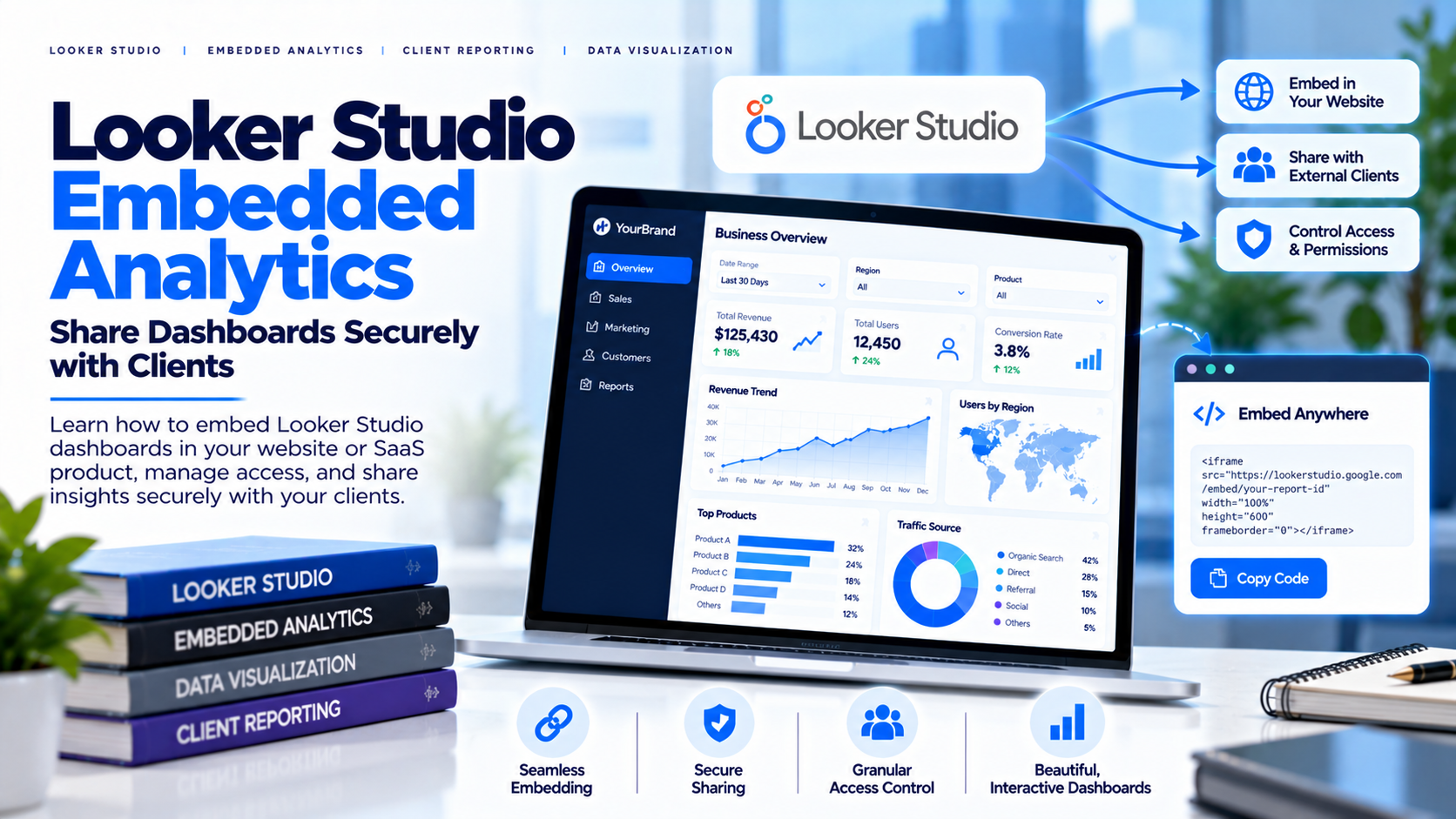
Looker Studio, previously known as Google Data Studio, helps teams turn connected data into interactive reports. Agencies and businesses use it to communicate marketing performance, website traffic, sales metrics and other KPIs. The challenge starts when dashboards must be delivered to multiple external clients in a consistent and secure way. Sharing settings, data-source credentials, user permissions and report ownership all matter. Embedding a report is not the same as building a complete client portal.
What Is Looker Studio Embedded Analytics?
Looker Studio embedded analytics generally means making a
report available within another page or product experience. The exact behavior
and access requirements depend on report configuration, sharing settings, data
source and display method. Embedding can reduce context switching, but it does
not automatically make the data private. A branded webpage does not replace the
source platform's permissions.
Common Use Cases
Marketing agencies can let clients review campaign and
conversion performance. E-commerce teams can track sales, acquisition channels
and product performance. Consultants can provide recurring KPI views after a
project. Executives can review performance summaries without navigating
multiple systems. Partner reporting can work where permissions and data-source
access are carefully configured. In every case, the report should answer a
clear audience need rather than simply display every available metric.
Understand Sharing and Credentials
Before sharing a report, confirm who can view it and how the
connected data source authenticates access. The credential model affects what
viewers can see and what permissions they need. Do not assume a report is safe
because it is embedded on a page that is not prominently linked. For sensitive
data, choose an access model appropriate to the audience and test it with
external-user accounts. Review current official Looker Studio documentation for
the specific report and connectors.
Embedding vs. a Client Portal
Embedding addresses where a report appears. A client portal
addresses a broader workflow: how users sign in, find reports, navigate
dashboards and manage access. A portal may help an agency that supports many
clients or uses multiple report types. The key question is whether the portal's
supported integration model works with the Looker Studio reports and security
configuration you use. Test sign-in, report visibility, data permissions,
mobile behavior, logout and user removal.
Security Best Practices
Separate clients clearly and define which reports and data
sources belong to each customer. Review the credential model and do not assume
every connector behaves the same way. Use least privilege and remove access
when a relationship ends. Avoid public access for confidential reports. Test
with separate client accounts and confirm that one client cannot access another
client's reports or data. Document report ownership, refresh responsibilities
and access reviews.
Branding and User Experience
A professional experience requires more than placing a
report inside a webpage. Users should understand where they are, which
reporting period they are viewing, what each KPI means and how to request help.
Keep naming consistent and make reports usable on common screen sizes. If a
white-label delivery layer is used, verify branding across login, navigation,
domains and notifications, and check whether platform-specific elements remain
visible in the report itself.
How InsightsPulse Fits
InsightsPulse lists support for Google Data Studio—now
Looker Studio—alongside other dashboard formats. It may be worth evaluating
when you want to deliver supported reports through a managed portal with
centralized organization and branding options. Compatibility and security
depend on the report, connector, access configuration and plan. Confirm current
support, data credential behavior, user limits, branding and access controls
before using the setup with customer data.
Client-Delivery Checklist
Confirm report ownership and data sources; review sharing
and credential settings; decide whether direct sharing or a portal fits the
workflow; avoid public access for confidential information; test separate
client identities; verify data scope; check mobile layout; document refresh
ownership; test user removal; and confirm current platform and portal
limitations.
Frequently Asked Questions
Is Looker Studio the
same as Google Data Studio?
Looker Studio is the current name for the
product previously known as Google Data Studio.
Can reports be embedded?
Looker Studio supports sharing and
embedding options, but behavior depends on configuration and data sources.
Does embedding make a report private?
No; privacy depends on sharing settings, credentials and access controls.
Can I use Looker Studio in a client portal?
It depends on the portal's supported integration and report configuration; test
the full access flow.
How can I share
reports with multiple clients safely?
Define access rules, test separate
accounts, avoid public access for confidential data and review permissions
regularly.
Conclusion
Looker Studio can be useful for interactive reporting, but
secure external delivery requires careful configuration of sharing, data
credentials and user access. Decide whether direct sharing is sufficient or
whether a managed portal better supports your client workflow. Evaluate
InsightsPulse with a representative report before production.