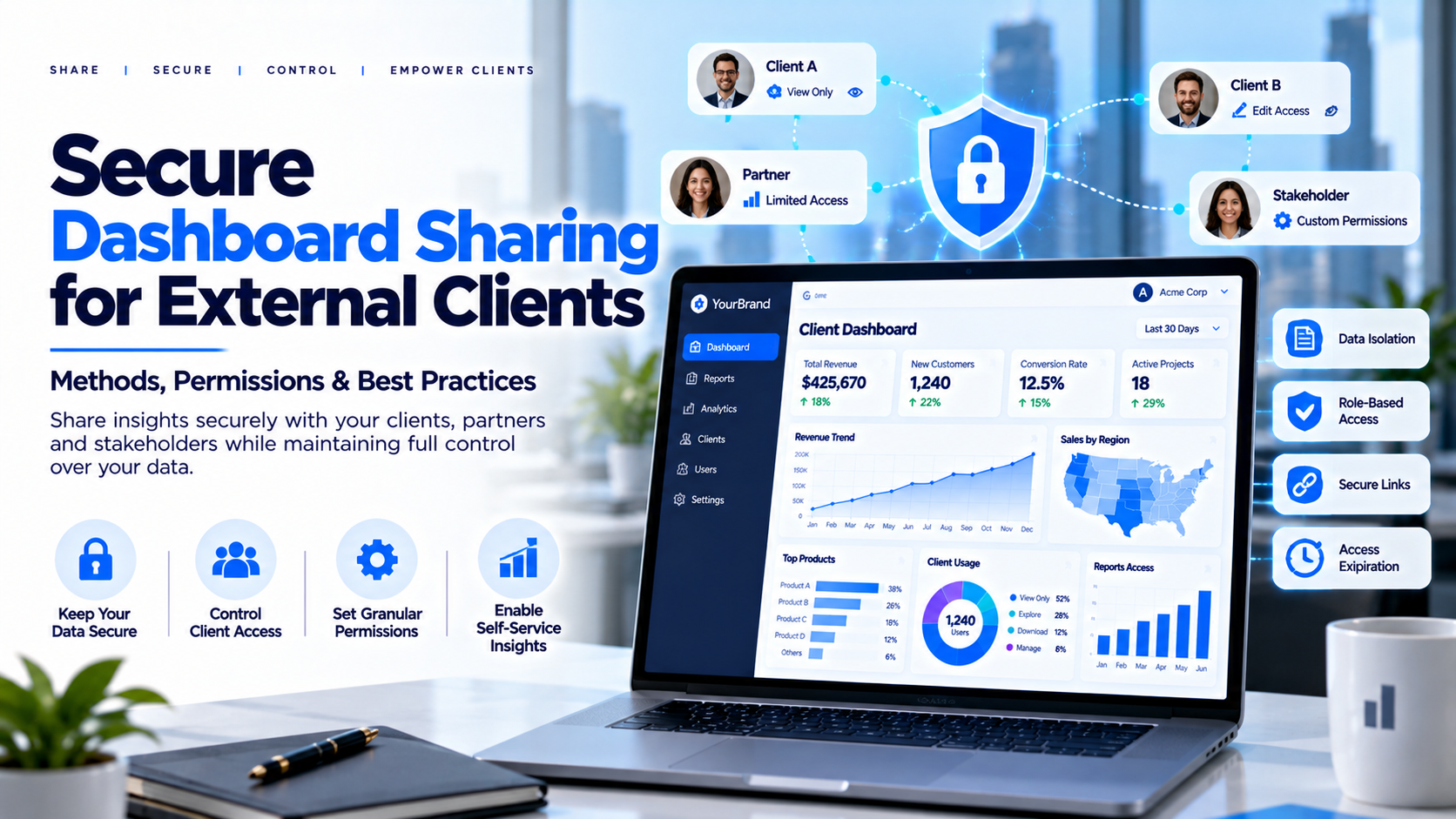
Sharing a dashboard internally is different from giving customers, vendors, franchisees or partners access to business data. External users need a simple experience, but the organization must control exactly what each person can see, download and share. Email attachments become stale, public links can expose information, and manual access administration becomes difficult at scale. Secure dashboard sharing combines the right delivery method with identity, permissions, governance and ongoing access reviews.
What Secure Sharing Means
Secure dashboard sharing means giving authorized people
access to the right reports while preventing unintended viewers from seeing
them. A password on a link is not a complete security strategy. A robust design
answers five questions: Who is the user? Which organization do they belong to?
Which reports can they open? Which records can they see inside each report?
Which actions—such as exporting or sharing—are allowed?
Common Sharing Methods
PDF and spreadsheet exports can be useful for fixed-period
summaries, but files can be forwarded and become stale. Direct BI-platform
sharing may work when external users can be managed under the platform's
identity and licensing model. Embedded dashboards place reports within an
application, but require appropriate authentication and data permissions. A
secure analytics portal can centralize report navigation and user
administration. Public publishing should not be used for confidential customer,
employee, financial or regulated data; an obscure URL is not a reliable
security boundary.
Authentication vs. Authorization
Authentication establishes who is signing in; authorization
determines what that person can do. A successful login should not automatically
grant access to every report. Use individual accounts where practical, remove
access when people leave an organization, and consider multi-factor
authentication where supported and appropriate. Define separate roles for
administrators and ordinary users. Administrative permissions should be
limited, reviewed and auditable.
Protect Data Between Customers
A dashboard may appear secure while exposing information
through filters, drill-through, exports or direct requests. For multi-customer
environments, map the authenticated identity to a trusted tenant record and
enforce the permitted data scope in a trusted layer. Depending on the
technology, this may involve row-level security, tenant-specific datasets or
workspaces, or application-level authorization. Test with accounts from
separate tenants. Changing a URL parameter or filter must not allow a user to
view another customer's information.
Practical Security Workflow
First classify the data and identify sensitive fields. Next
define the audience, roles and permitted actions. Choose a delivery method that
fits the number of users, required interactivity and reporting technology.
Configure identity and least-privilege access. Test direct URLs, exports,
drill-through, cross-tenant access and user removal. Monitor appropriate access
and administrative events, then review permissions whenever contracts, roles or
customer relationships change.
Performance and Administration
A secure workflow should also be usable. Give clients a
clear landing page, meaningful report names and visible data freshness.
Administrators should be able to identify who has access to each report and
remove access without searching across disconnected systems. For large client
lists, consistent onboarding and offboarding reduce errors. Monitor report
loading and refresh failures; slow dashboards can encourage users to request
manual copies or use unsafe workarounds.
How a Managed Portal Helps
A managed analytics portal can provide a central location
for approved dashboards and may simplify branding, navigation and user
administration. It does not remove the need to configure underlying data
permissions correctly. InsightsPulse supports dashboard-delivery use cases
involving supported Power BI, Tableau, Google Data Studio/Looker Studio and
HTML dashboards. Confirm the exact authentication options, role model,
data-isolation approach, audit needs and plan limits before moving sensitive
reports into production.
Secure Sharing Checklist
Use trusted authentication; assign least-privilege
permissions; enforce customer-level data separation; review export and download
options; test direct URLs, filters and drill-through; avoid public publishing
for confidential information; maintain an access-removal process; monitor
refresh failures; and document support ownership and incident response.
Frequently Asked Questions
What is the safest way to share dashboards?
The right method depends on data sensitivity, user scale and the BI platform; a properly configured private portal or embedded experience may be appropriate.
Can I
share a public link?
Do not use public links for confidential
information.
Is hiding a filter
enough?
No. Data access must be enforced by a trusted authorization or
data-security mechanism.
Should
clients have individual accounts?
Individual identities generally improve
accountability and access reviews.
How
often should access be reviewed?
Set a regular cadence and review
immediately after relevant personnel, contract or account changes.
Conclusion
Secure dashboard sharing is an access-management process,
not simply a link-sharing feature. Choose an appropriate delivery method,
enforce identity and data permissions, test customer boundaries and review
access over time. Explore InsightsPulse if you need a managed way to deliver
branded dashboards, and confirm the security and administration capabilities
that match your use case.