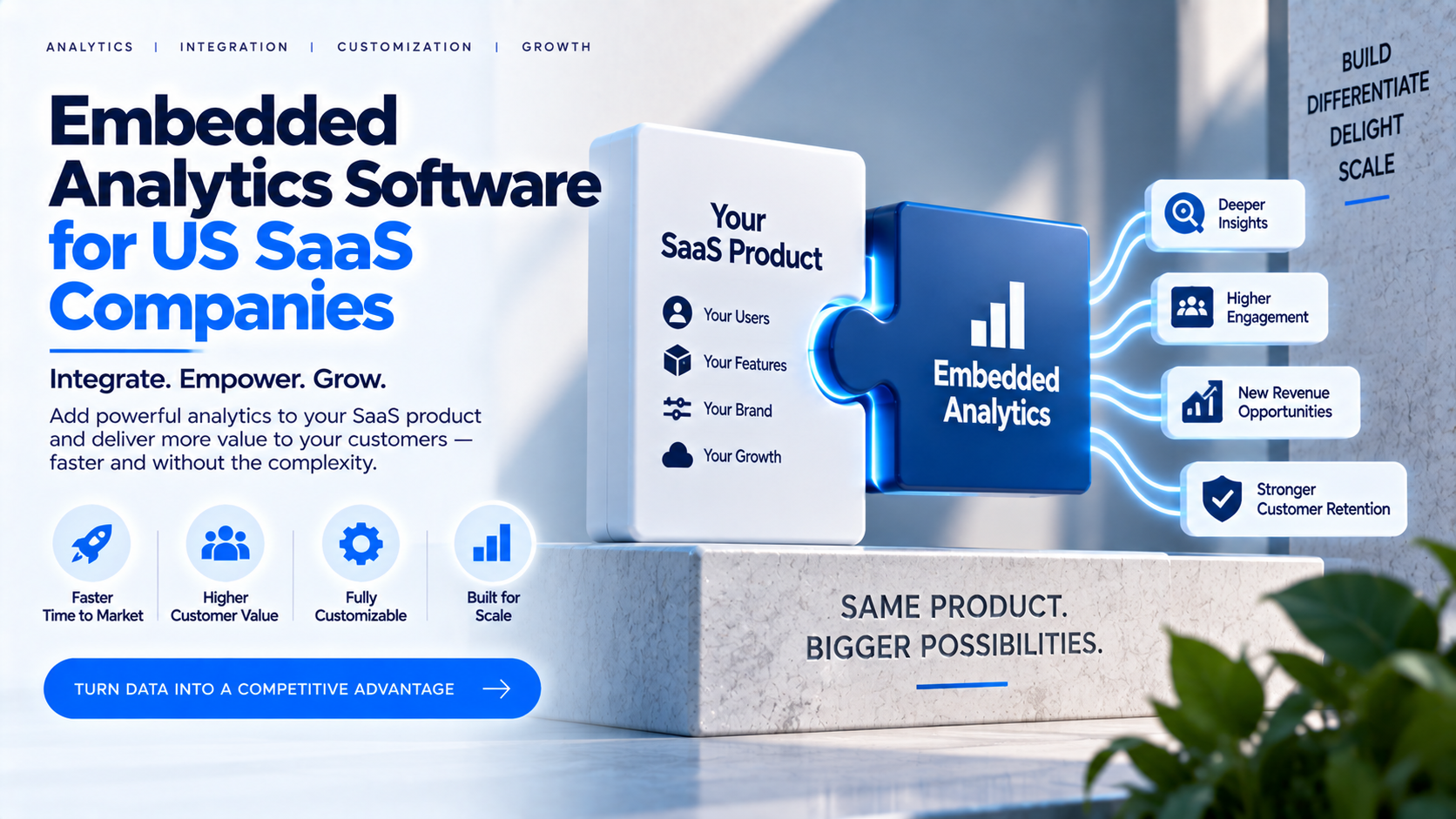
For many US SaaS companies, analytics is becoming part of
the product experience rather than a separate internal reporting function.
Customers may expect dashboards, usage insights, operational metrics, financial
summaries and performance trends inside the application they already use.
Delivering this experience requires more than creating a few
charts. SaaS teams must consider embedding, authentication, tenant separation,
user permissions, performance, branding, onboarding, support and long-term
maintenance. Embedded analytics software can provide some of these capabilities
without requiring the company to build every component from scratch.
What Is Embedded Analytics Software?
Embedded analytics software helps organizations deliver
interactive dashboards and reports inside a product, customer portal or
application. Depending on the solution, it may include embedding tools, user
management, branding, permissions, report organization, integrations and
administration.
The software may work with an existing BI platform such as
Power BI or Tableau, or it may provide its own analytics engine. SaaS companies
should clarify whether the platform is responsible for data modeling,
visualization, delivery, identity management or only a portion of the overall
solution.
Why SaaS Companies Add Customer-Facing Analytics?
Customer-facing analytics can increase the practical value
of a SaaS product. Users may rely on dashboards to monitor operations, measure
outcomes, identify problems and make decisions. Analytics can also support
product differentiation, account reviews, renewals and expansion conversations.
The dashboard should be designed around customer tasks
rather than internal database structures. A customer may want to know whether
performance improved, which locations require attention or how activity changed
over time. The product team should identify these questions before selecting
charts and metrics.
Build vs Buy: The Strategic Decision
Building an embedded analytics layer internally can provide
maximum control over the user interface, data flows and product behavior.
However, the project usually involves much more than front-end development.
Teams may need to build authentication, authorization, tenant management,
report provisioning, dashboard embedding, monitoring, support workflows and
administrative tools.
Buying a platform can shorten time to market and reduce the
amount of infrastructure the SaaS team must own. The trade-off is dependency on
the provider’s capabilities, pricing, roadmap and integration model. A
build-versus-buy analysis should include both initial development and recurring
operational cost.
When Building May Make Sense
An internal build may be appropriate when the company has
specialized requirements, a large engineering team, strict ownership goals or a
need for deeply customized behavior. It may also make sense when analytics is a
core differentiator and the company wants complete control over the experience.
Even in these cases, the team should estimate maintenance
costs. Security updates, identity-provider changes, browser behavior,
data-source changes, monitoring, customer support and new feature requests can
continue long after the first release.
When Buying May Be Practical
A purchased platform may be useful when the SaaS company
needs customer-facing analytics quickly, wants ready-made user management or
branding, supports multiple dashboard technologies or prefers to focus
engineering resources on its core product.
The company should not assume that a third-party platform
removes all implementation work. Integration, data modeling, security
configuration, testing and customer onboarding still require internal
ownership. The goal is to reduce unnecessary platform-building effort, not to
eliminate technical responsibility.
Features SaaS Teams Should Evaluate
Important evaluation areas include APIs or SDKs, embedding
methods, authentication, role-based access, tenant isolation, report
assignment, custom branding, custom domains, user provisioning, performance,
monitoring, support and scalability.
Ask how the platform handles a new customer organization,
multiple users within one tenant, role changes, account cancellation and
data-access restrictions. Also review whether the platform supports the desired
user journey inside the existing SaaS application or requires users to move to
a separate portal.
Multi-Tenant Security
Multi-tenancy requires clear rules about which organization,
user and role can access each dataset and report. Depending on the
architecture, controls may include tenant-specific workspaces, row-level
security, authorization checks, separate datasets or application-level
filtering.
Security should be tested rather than assumed. Use sample
tenants and attempt to access data through altered URLs, filters, report
identifiers and export actions. Review how permissions are applied when users
change roles or move between organizations. The security model should be
documented and reviewed before production launch.
White-Label and Product Experience
A branded analytics experience can make dashboards feel like
a natural part of the SaaS product. Consistent colors, navigation, terminology,
domain and email identity may reduce friction and strengthen product
recognition.
Branding should be balanced with usability. Users need clear
labels, meaningful metric definitions, understandable filters and helpful empty
states. A white-label interface should not obscure important information about
data freshness, source systems or support contacts.
Power BI, Tableau and HTML Flexibility
Some SaaS businesses standardize on one BI platform, while
others support multiple reporting technologies across products or customers. A
platform with broad compatibility may help teams avoid building different
delivery layers for each format.
InsightsPulse is positioned to support Power BI, Tableau,
Google Data Studio/Looker Studio and HTML dashboards through a centralized
environment. SaaS teams should test their actual dashboard type, authentication
model, tenant hierarchy and expected workload before selecting the platform.
Time to Market and Operational Ownership
A software decision should consider implementation time,
developer effort, monitoring, incident response, support, upgrades and customer
onboarding. A quick launch is valuable only if the system remains reliable as
the number of customers and users grows.
Define ownership clearly. Decide who manages user
provisioning, who reviews permissions, who responds to dashboard failures, who
communicates data delays and who approves new reporting requirements. These
responsibilities should be documented in the product and support processes.
Pricing and Total Cost of Ownership
Costs may include platform subscription, implementation,
dashboard development, BI licensing, infrastructure, support, customization and
expected user growth. Compare these costs with the engineering effort required
to build and maintain an equivalent internal system.
Model several scenarios: pilot stage, early growth and
larger-scale usage. Review whether pricing is based on users, tenants,
sessions, capacity, dashboards or another metric. Also ask how additional
usage, support and custom requirements affect the commercial agreement.
How to Run a Proof of Concept
A proof of concept should use a realistic customer scenario.
Include at least two tenants, multiple user roles, a restricted dashboard and a
representative data set. Test login, report assignment, data visibility,
filtering, performance and account deactivation.
Document the result using measurable criteria: time to
onboard a tenant, time to revoke access, dashboard loading behavior,
administrative effort, integration complexity and user feedback. This creates a
more reliable basis for selection than a feature checklist alone.
Why InsightsPulse?
InsightsPulse is positioned as a centralized analytics
portal for embedded dashboard delivery, white-label branding, user and report
management and access controls. Its support for Power BI, Tableau, Google Data
Studio/Looker Studio and HTML dashboards may be relevant to SaaS teams with
varied reporting requirements.
The platform should be evaluated against the SaaS company’s
architecture and customer journey. Confirm authentication options, tenant
separation, licensing responsibilities, performance, support and current plan
limits before moving to production.
Conclusion
Embedded analytics software can help US SaaS companies add
customer-facing reporting without building every component of an analytics
delivery stack. The right choice depends on product goals, security
requirements, architecture, engineering capacity, time to market and long-term
operating cost.
A disciplined selection process should combine a realistic
proof of concept, documented security controls, a clear ownership model and a
multi-stage cost estimate. This approach helps the SaaS team choose a solution
that can support both customer value and sustainable growth.
Frequently Asked Questions
What is embedded analytics software for SaaS?
It is software that helps SaaS products deliver dashboards
and reports inside customer-facing applications or portals.
Should a SaaS company build or buy embedded analytics?
The decision depends on customization, engineering
resources, time to market, security responsibilities and total cost of
ownership.
What security issues matter most?
Tenant isolation, authentication, authorization, data
filtering, report permissions and access testing are essential.
Can embedded analytics be white-labeled?
Many platforms provide branding options such as logos,
colors, domains and branded communication, depending on their features.
What should a proof of concept include?
Use multiple tenants, user roles, restricted dashboards,
authentication, permission testing, performance checks and account
deactivation.
If your organization needs a more professional way to share dashboards, manage users and deliver branded analytics, explore InsightsPulse. Review the available features, test your reporting workflow and discuss your requirements with the team before deployment.