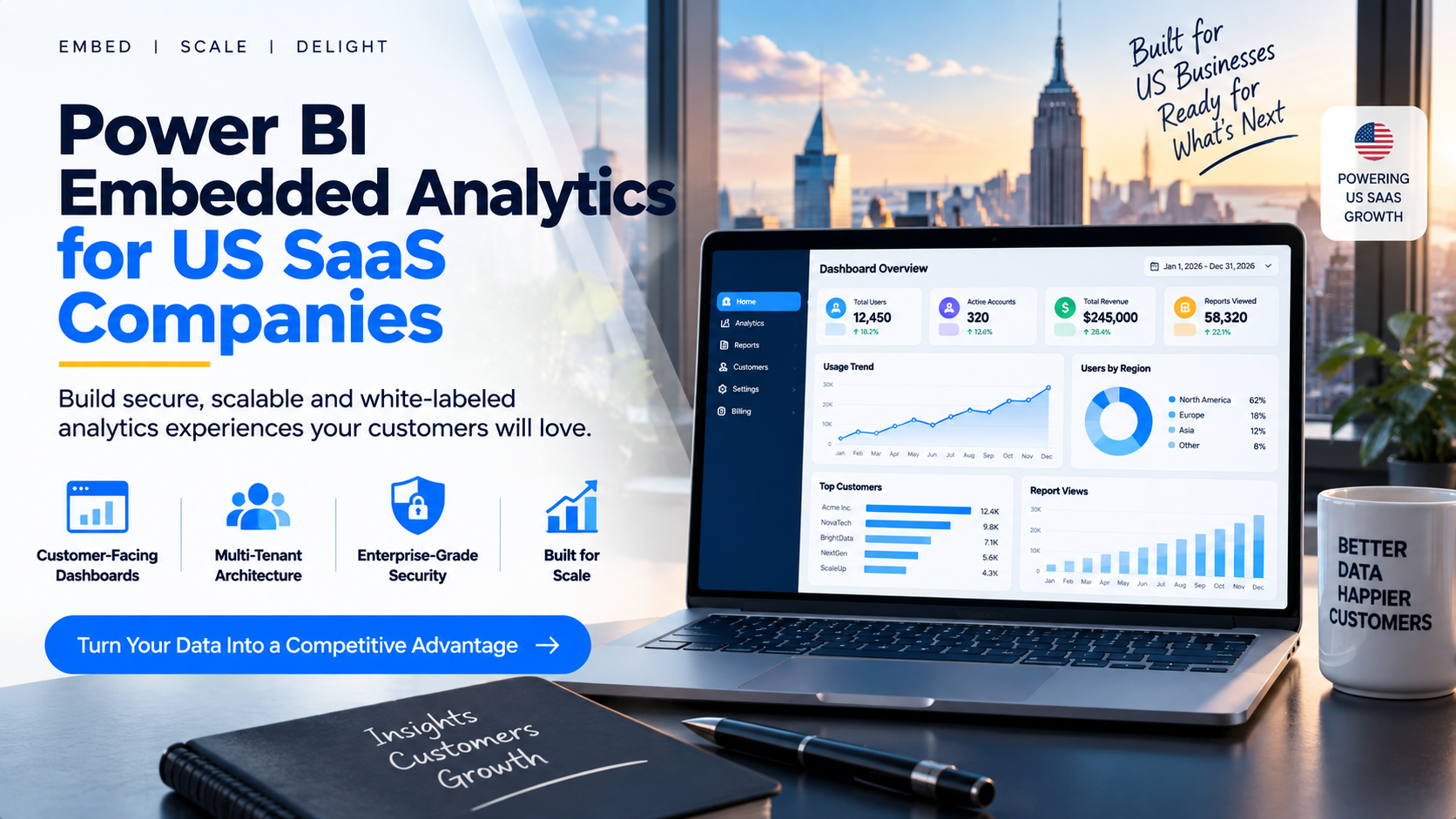
Power BI Embedded Analytics for US SaaS Companies
For many US SaaS companies, analytics is no longer something
customers should access through a separate BI tool. Customers increasingly
expect dashboards, KPIs and business insights to appear inside the product
experience they already use.
Power BI embedded analytics can help SaaS companies deliver
interactive reports and dashboards inside their own web applications. For
software vendors serving external customers, the relevant architecture is
typically the embed-for-your-customers, or app-owns-data, scenario.
For a US SaaS company, however, choosing Power BI Embedded
is only the beginning. A production-ready solution also needs to address
multi-tenancy, customer data isolation, authentication, authorization,
capacity, performance, onboarding, branding and the long-term cost of
delivering analytics to customers.
What Is Power BI Embedded Analytics for SaaS?
Power BI embedded analytics for SaaS means integrating Power
BI reports and dashboards into a software product so customers can consume
analytics as part of the SaaS experience. Instead of sending customers to a
separate BI environment, the SaaS application can present reporting within its
own interface.
This is especially useful for B2B SaaS products where
analytics is part of the product value proposition, including CRM, ERP,
marketing, financial, healthcare, ecommerce and operational software.
Why US SaaS Companies Are Evaluating Embedded Analytics
·
Create a more complete customer product
experience by putting analytics beside operational workflows.
·
Turn reporting into a product feature rather
than a manual service delivered through spreadsheets or PDFs.
·
Give customers interactive dashboards without
building an entire BI engine from scratch.
·
Support different customers with controlled
access to the data they are authorized to see.
·
Create opportunities for premium analytics
features or reporting add-ons.
·
Standardize customer reporting as the SaaS
customer base grows.
How Power BI Embedded Works in a SaaS Application
Microsoft separates Power BI embedding into
embed-for-your-customers and embed-for-your-organization models. For SaaS
products serving external customers, embed-for-your-customers is generally the
relevant model.
1.
Customer signs in to the SaaS application.
2.
The application identifies the customer and
authorized user.
3.
The application determines which analytics the
user should receive.
4.
The backend generates the appropriate Power BI
embed token and permissions.
5.
The SaaS interface renders the report inside the
product.
6.
Security controls ensure the customer sees only
authorized data.
Multi-Tenant Architecture for SaaS Analytics
Multi-tenancy is one of the most important design
considerations for a SaaS analytics implementation. A SaaS provider may serve
hundreds or thousands of customer organizations, and each customer must receive
the correct analytics without exposing another customer's information.
Microsoft documents approaches including workspace-based
isolation and row-level security. For larger multitenant applications,
Microsoft also documents service principal profiles as an approach designed to
improve tenant isolation, scalability and administrative efficiency. The
correct architecture depends on customer count, data model, report design,
capacity, security requirements and expected growth.
Power BI Multi-Tenant Security Checklist
·
Authentication: establish how customers and
users authenticate.
·
Authorization: determine which reports, features
and data each user can access.
·
Tenant isolation: separate customer data
logically or physically as appropriate.
·
Row-level security: use RLS where it fits the
architecture and data model.
·
Embed tokens: generate tokens with only the
required permissions.
·
Administrative controls: define who can
provision customers and manage access.
·
Testing: validate access with representative
users from different customer accounts.
Row-Level Security vs. Workspace-Based Isolation
There is no universal answer for every SaaS application.
Dynamic RLS can be practical when customers share a semantic model and the
application can reliably pass the correct tenant context. Workspace-based
isolation can be more appropriate when stronger separation is required or the
application operates at larger scale.
Microsoft's current guidance also describes service
principal profiles for scalable multitenancy. The choice should be made during
architecture planning rather than after the product has accumulated customers
and reporting complexity.
Designing the Customer-Facing Dashboard Experience
·
Use the SaaS application's navigation and
terminology.
·
Show KPIs directly relevant to the customer's
workflow.
·
Keep permissions aligned with the customer's
account structure.
·
Make the experience responsive for the devices
customers use.
·
Hide unnecessary Power BI administration
concepts from end users.
·
Optimize report loading and navigation.
· Consider branded or white-label presentation when analytics is a core product feature.
Power BI Embedded Licensing and Capacity
Licensing is an architecture question, not simply a
per-viewer question. Microsoft's current documentation distinguishes between
embed-for-your-customers and embed-for-your-organization scenarios. For
embed-for-your-customers, Microsoft states that end users do not have
individual Power BI licensing requirements to consume the embedded content,
while the application still needs the appropriate capacity and licensing
architecture.
Capacity selection, report complexity, concurrent usage,
refresh requirements and customer growth can influence the economics of SaaS
analytics. Avoid generic claims such as 'Power BI Embedded always costs X per
customer.' Model the actual architecture and workload.
Performance and Scalability:
·
Optimize semantic models and report design.
·
Plan capacity around expected concurrency and
workload.
·
Monitor performance after launch.
·
Automate customer provisioning where scale
requires it.
·
Review refresh, caching and report-loading
behavior.
·
Create operational processes for onboarding and
offboarding analytics.
Power BI Embedded vs. Building Analytics From Scratch
A proprietary analytics engine can provide complete control,
but it also creates a large engineering and maintenance burden. The team may
need to build visualization, filtering, semantic modeling, permissions,
exports, performance optimization and ongoing analytics features.
Power BI Embedded can reduce the analytics infrastructure a SaaS company must build itself, while still requiring sound application architecture, security design, capacity planning and implementation. For many US SaaS companies, the practical question is whether to build the entire delivery layer internally or use a platform that simplifies customer-facing distribution.
Where InsightsPulse Fits
InsightsPulse is positioned as a white-label analytics
portal for organizations that need to securely share Power BI, Tableau, Google
Data Studio/Looker Studio and HTML dashboards through a branded experience. It
is particularly relevant when a SaaS company needs a structured portal around
dashboard distribution, user management, branding and controlled access.
For a US SaaS company, InsightsPulse can be evaluated when the business wants a ready-to-use analytics delivery layer instead of building every portal, user-management and dashboard-sharing component internally.
The current InsightsPulse pricing page presents a 15-day
free trial and plans for different team sizes. Pricing and feature limits
should be checked on the live pricing page before a purchasing decision.
When a US SaaS Company Should Consider an Embedded Analytics Platform
·
Analytics is becoming an important part of the
product experience.
·
Customers expect self-service dashboards instead
of emailed reports.
·
The product needs controlled reporting for
multiple customer organizations.
·
The engineering team does not want to build and
maintain a complete reporting portal.
·
The company needs branding, centralized user
management and customer-facing dashboard delivery.
·
The organization expects analytics usage to grow
with its SaaS customer base.
Power BI Embedded Analytics Implementation Checklist
1.
Define the customer and user hierarchy.
2.
Document which customer can see which data.
3.
Choose the Power BI embedding architecture.
4. Design
tenant isolation and security controls.
5. Define
authentication and authorization.
6. Select
an appropriate capacity and estimate workload.
7. Design
reports for customer-facing use.
8. Test
RLS or workspace isolation with representative accounts.
9. Automate
customer provisioning where required.
10. Monitor
usage, performance and failures after launch.
11. Review
current Microsoft documentation before production changes.
Frequently Asked Questions:
1. Can Power BI be
embedded in a SaaS application?
Yes. Microsoft supports embedding Power BI reports,
dashboards and tiles into web applications. The embed-for-your-customers model
is designed for applications that serve external users.
2. Do SaaS customers
need their own Power BI licenses?
For the embed-for-your-customers scenario, Microsoft states
that end users do not have individual Power BI licensing requirements to
consume embedded content. The application still needs the appropriate capacity
and licensing architecture.
3. How does Power BI
handle multiple SaaS customers?
A multitenant application can use approaches such as
row-level security, workspace-based isolation and, at larger scale, service
principal profiles.
4. Can different SaaS
customers see different Power BI data?
Yes, when the solution is designed with appropriate
authorization and data-isolation controls.
5. Is Power BI Embedded
suitable for US SaaS companies?
It can be a strong option for SaaS companies that want
customer-facing analytics inside their applications. The decision should
consider security, capacity, performance and total implementation cost.
6. Can InsightsPulse
help with customer-facing Power BI analytics?
InsightsPulse provides a branded analytics portal for
sharing and embedding supported dashboards, including Power BI. It can be
evaluated when a SaaS company wants a structured analytics delivery layer.
Conclusion
Power BI embedded analytics can turn reporting into a core SaaS product capability. For US SaaS companies, the challenge is not simply placing a Power BI report inside an application; it is designing a secure, scalable and customer-friendly analytics architecture across multiple organizations. Start with the customer experience, then design authentication, authorization, tenant isolation, report architecture, capacity and operational processes around it. If your team wants to avoid building every dashboard-delivery component internally, a platform such as InsightsPulse can be evaluated as part of the implementation strategy.