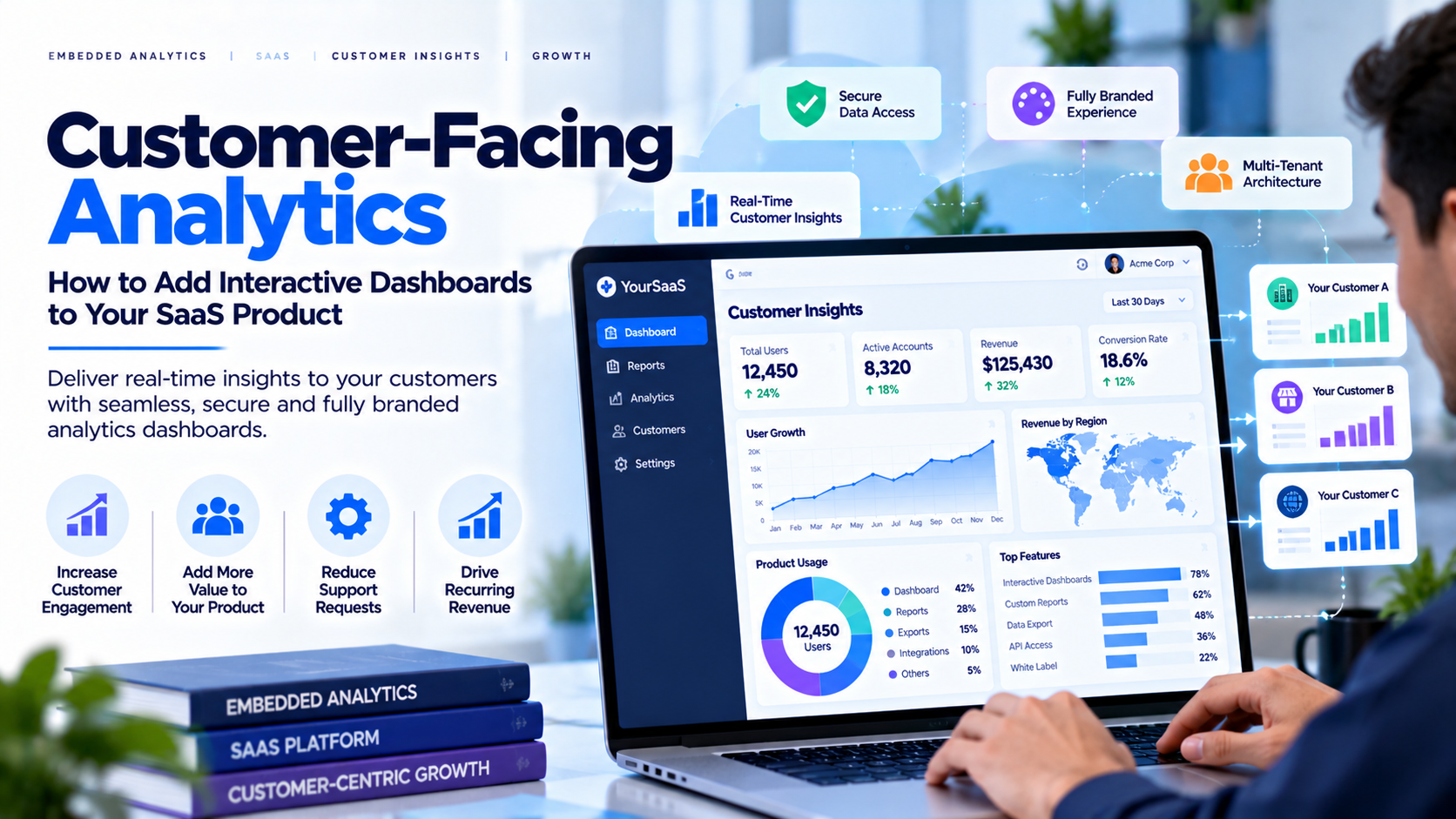
Customers increasingly expect software to do more than store information or complete transactions. They want to understand performance, track trends and take action without exporting data into spreadsheets. Customer-facing analytics brings useful insights directly into the product experience. For SaaS companies, it can make reporting feel like a natural product feature rather than a separate service. A logistics platform might show delivery performance, a marketing tool might present campaign results, and a finance application might help customers understand cash flow.
What Is Customer-Facing Analytics?
Customer-facing analytics is the delivery of interactive dashboards, reports and insights to external users through an application, website or secure portal. It overlaps with embedded analytics, but emphasizes the customer's experience. The goal is not simply to place a chart on a page; it is to help a user answer a meaningful question in the context of the product they already use. Common examples include account activity, service performance, usage analytics, billing summaries, customer success metrics and operational scorecards.
Why SaaS Companies Invest in It?
Useful reporting can reduce repetitive requests for manual exports, make product value easier to understand and give customers more control over their own workflows. It can also help a product stand out when customers compare vendors. Some businesses package advanced reporting into higher-tier plans, but willingness to pay should be validated with customer research rather than assumed. Analytics can support retention and expansion only when the metrics are trustworthy, the experience is usable and customers actually rely on it.
How to Add Analytics to a SaaS Product?
Start with customer questions, not a list of charts.
Interview users and review support tickets to identify decisions customers need
to make. Select a small set of KPIs, define each calculation and reporting
period, and document the source of truth. Map the required data sources and
decide how frequently they should refresh. Then choose an approach: build a
custom reporting interface, embed a BI tool, or use a managed analytics portal.
Compare engineering effort, security responsibilities, customization, maintenance
and total cost—not just the initial subscription.
Security and Tenant Isolation
External analytics must ensure that each customer sees only
the information they are authorized to access. Map authenticated users to
trusted customer or tenant records, enforce authorization beyond the visible
interface, and test whether changing a URL, report ID or filter could expose
another tenant's data. Depending on the architecture, controls may include
row-level security, tenant-specific datasets or workspaces, scoped tokens and
audited administrative access. A client-side filter alone is not a security
boundary. Review export permissions, user offboarding, logging and incident
procedures before launch.
Build vs. Buy
Building from scratch gives a team control but requires
ongoing work for visualization, filters, permissions, exports, accessibility,
performance, testing and maintenance. Embedding a BI platform can reduce some
development work, but licensing, capacity and identity requirements still
apply. A managed portal may be useful when the primary need is to deliver
existing dashboards through a branded experience. Evaluate support for your
current report types, user administration, branding, security model and growth
plans. Test with representative data before making a production decision.
How InsightsPulse Fits
InsightsPulse is designed to help organizations deliver supported Power BI, Tableau, Google Data Studio/Looker Studio and HTML dashboard use cases through a managed analytics experience. Depending on configuration and plan, relevant features may include dashboard organization, user management, access controls and branding. Confirm the exact report formats, authentication flow, user limits, custom-domain options and security responsibilities for your scenario. A proof of concept using representative dashboards and test users is the best way to validate fit.
Launch Checklist
Before launch, document customer questions and KPI
definitions; map users to tenants; enforce permissions at a trusted layer; test
exports and direct URLs; verify mobile usability and loading performance; make
data freshness clear; define support ownership; and choose adoption metrics.
After launch, track activation, repeat usage, support requests and customer
feedback. Use these signals to improve the experience rather than adding more
charts by default.
Frequently Asked Questions
What is
customer-facing analytics?
It is the delivery of dashboards and insights to
external customers inside a product, website or secure portal.
Is it the same as embedded analytics?
The terms overlap; customer-facing analytics emphasizes the audience, while
embedded analytics emphasizes placing analytics inside an application or
workflow.
Should a SaaS company build
or buy?
It depends on differentiation, engineering capacity, security
requirements, customization and long-term cost.
How do you keep customers' data separate?
Use tenant-aware
authorization, trusted identity mapping and cross-tenant testing; do not rely
only on hidden filters.
What should
be measured after launch?
Track adoption, repeat usage, task completion,
customer feedback, support volume and the business outcomes the dashboards are
meant to improve.
Conclusion
Customer-facing analytics is most valuable when it helps
customers make better decisions without adding friction. Start with real user
questions, define trustworthy metrics, design security before the interface,
and select an approach that fits your team and growth plans. If you are
planning a branded dashboard experience, explore InsightsPulse and validate the
required report types, access model and user scale before launch.